 HomePad
01 · Dashboard
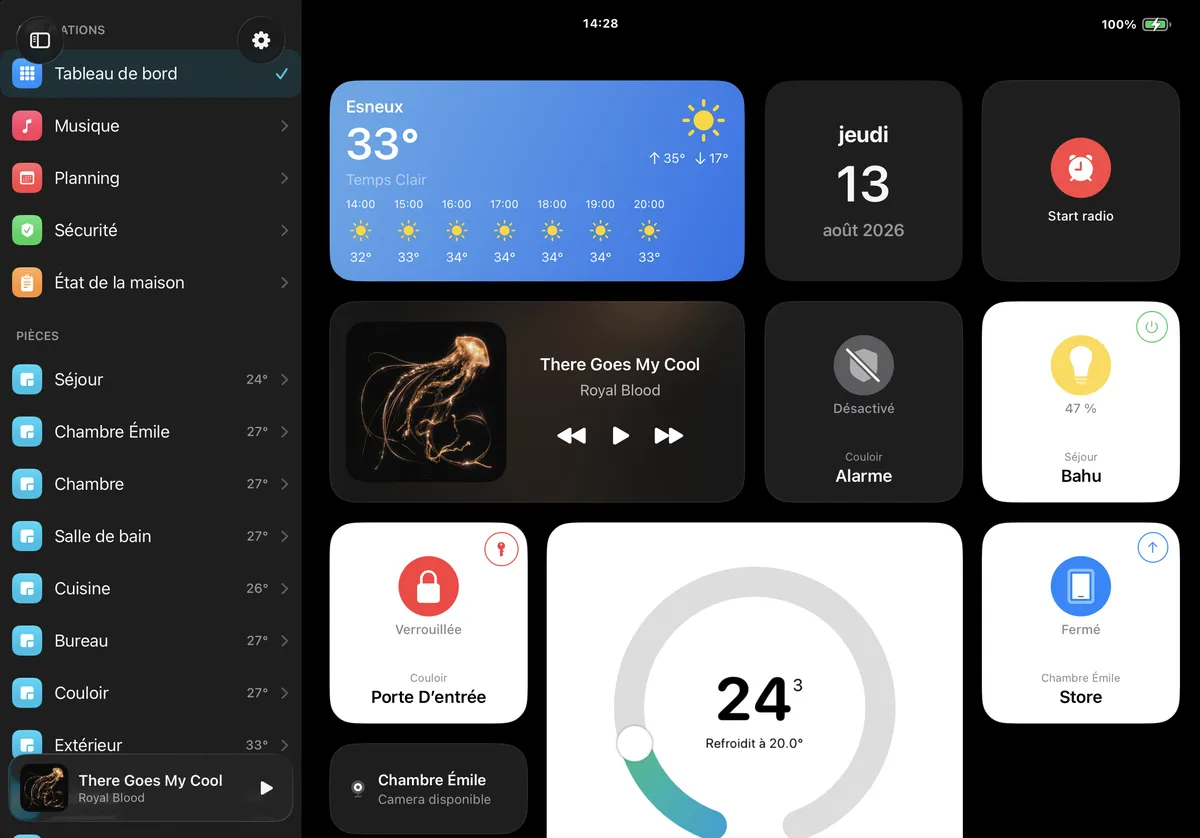
Your tiles. Your grid.
The weather, what's playing, a scene, a Shortcut, the front door. Drop in what you actually look at, resize it, move it. Nothing is imposed, and the layout follows you from iPad to iPhone.
HomePad
The dashboard that turns an iPad or iPhone into the control centre of your home, for HomeKit and Home Assistant.
Universal app for iPad and iPhone · iOS & iPadOS 17.6 or later · No subscription
One or the other. You pick your source the first time you open the app, and you can switch whenever you like.
An iPad on the wall, and the whole house becomes legible at a glance.
Inside the app
01 · Dashboard
The weather, what's playing, a scene, a Shortcut, the front door. Drop in what you actually look at, resize it, move it. Nothing is imposed, and the layout follows you from iPad to iPhone.
02 · Rooms
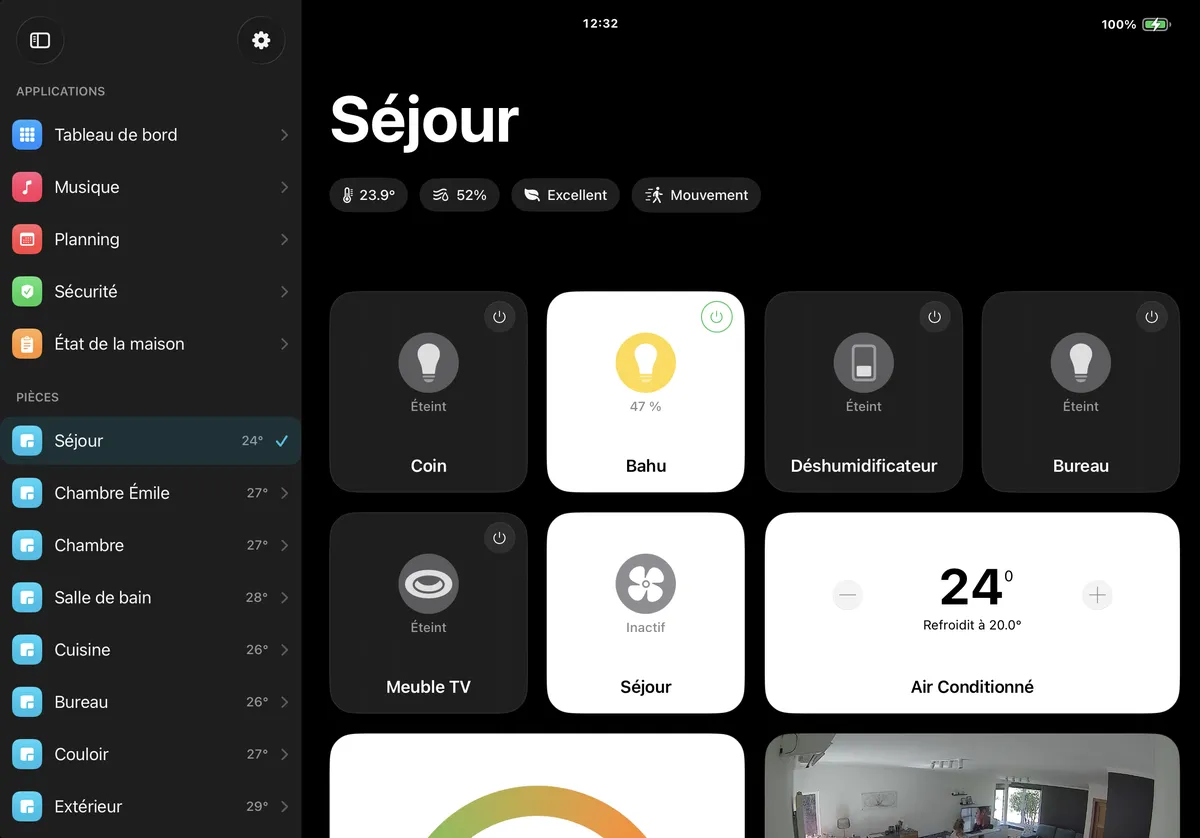
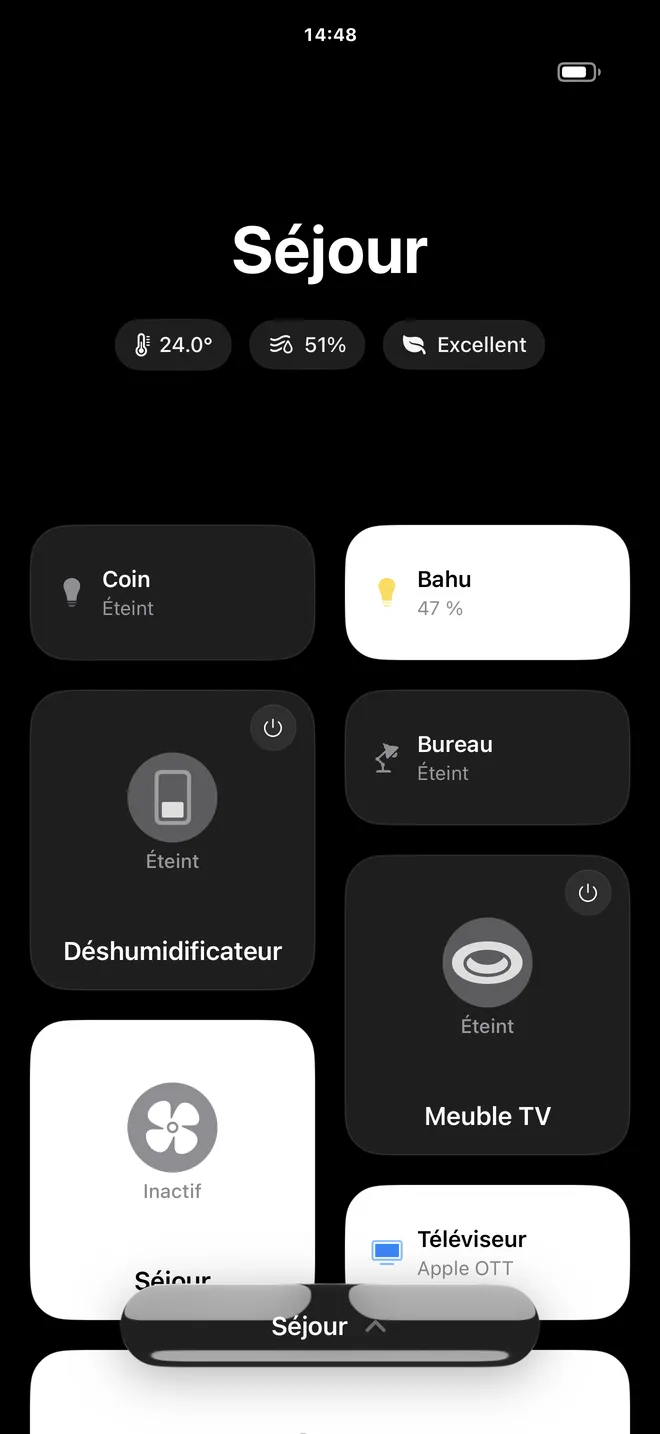
Temperature, humidity, air quality, motion. Then every accessory underneath. HomePad reads the rooms you already set up, so there is nothing to rebuild.
03 · Music
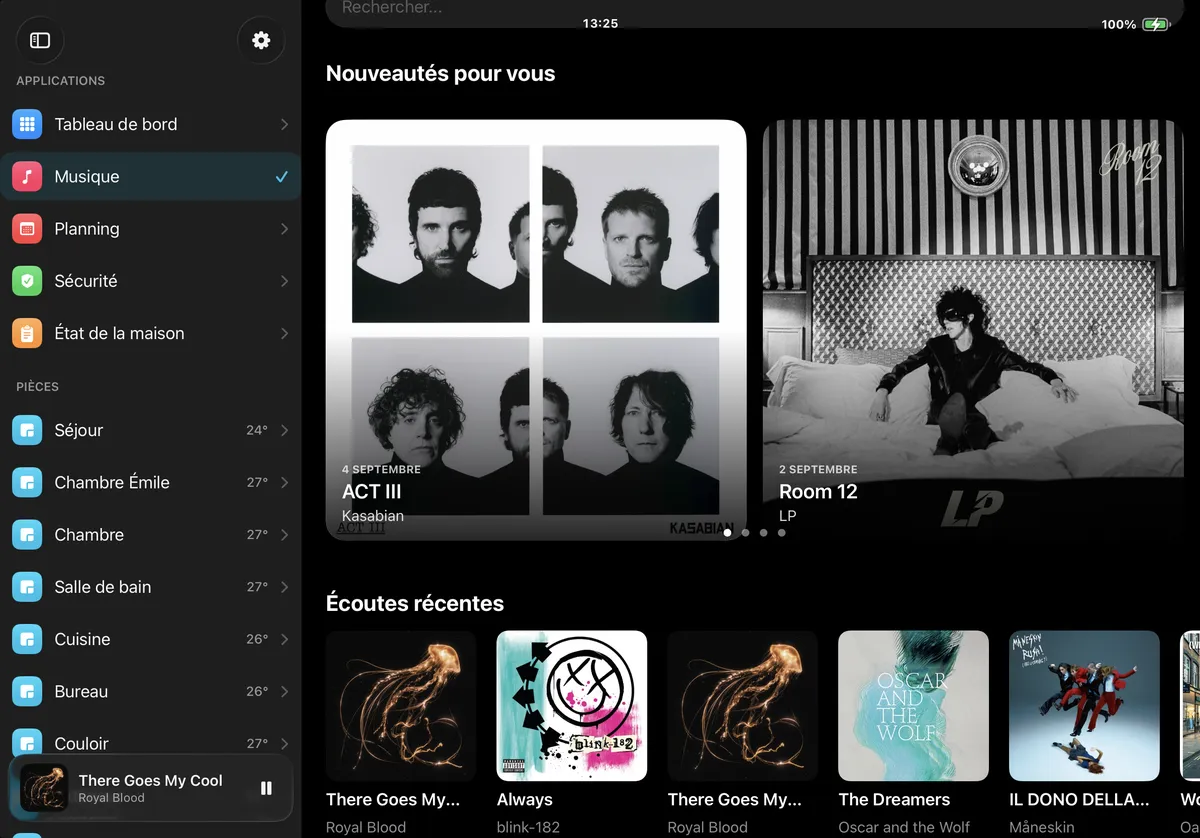
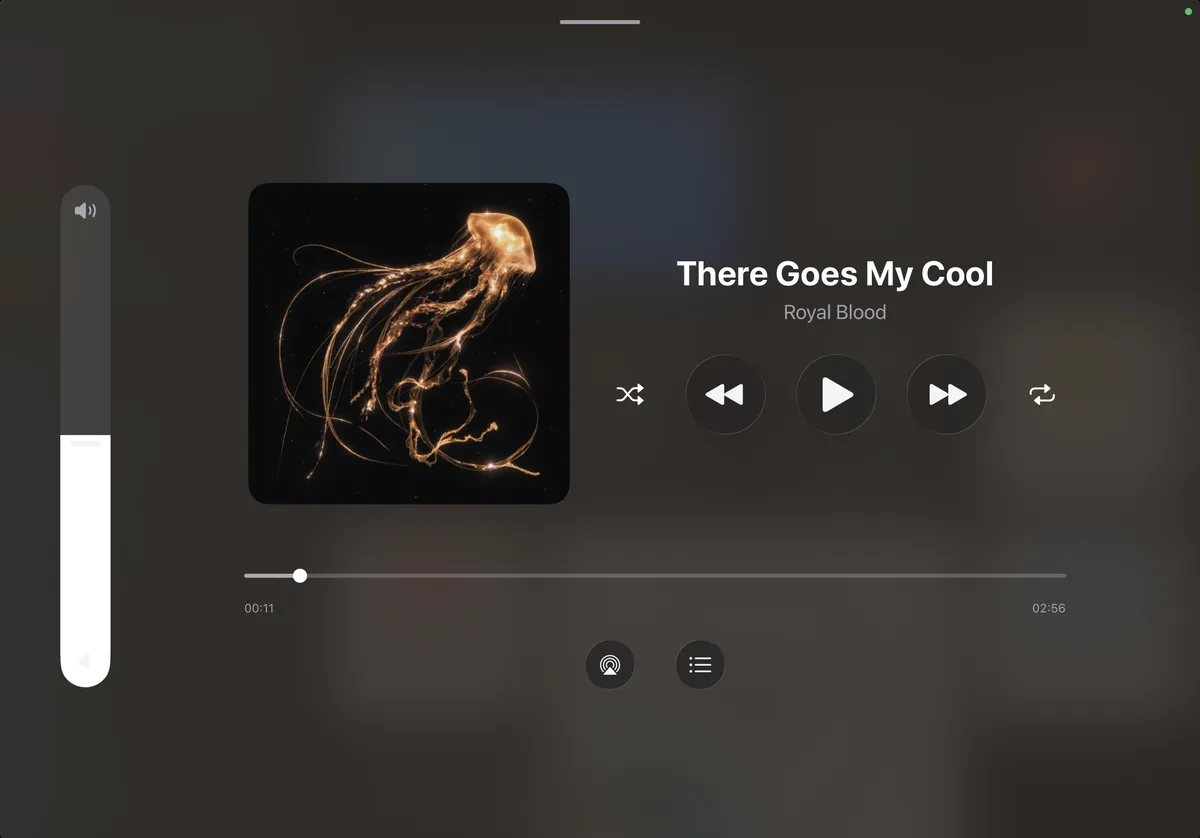
Apple Music, Spotify and internet radio, browsable from the same sidebar. A mini player stays in the corner while you dim the lights.
04 · Detail
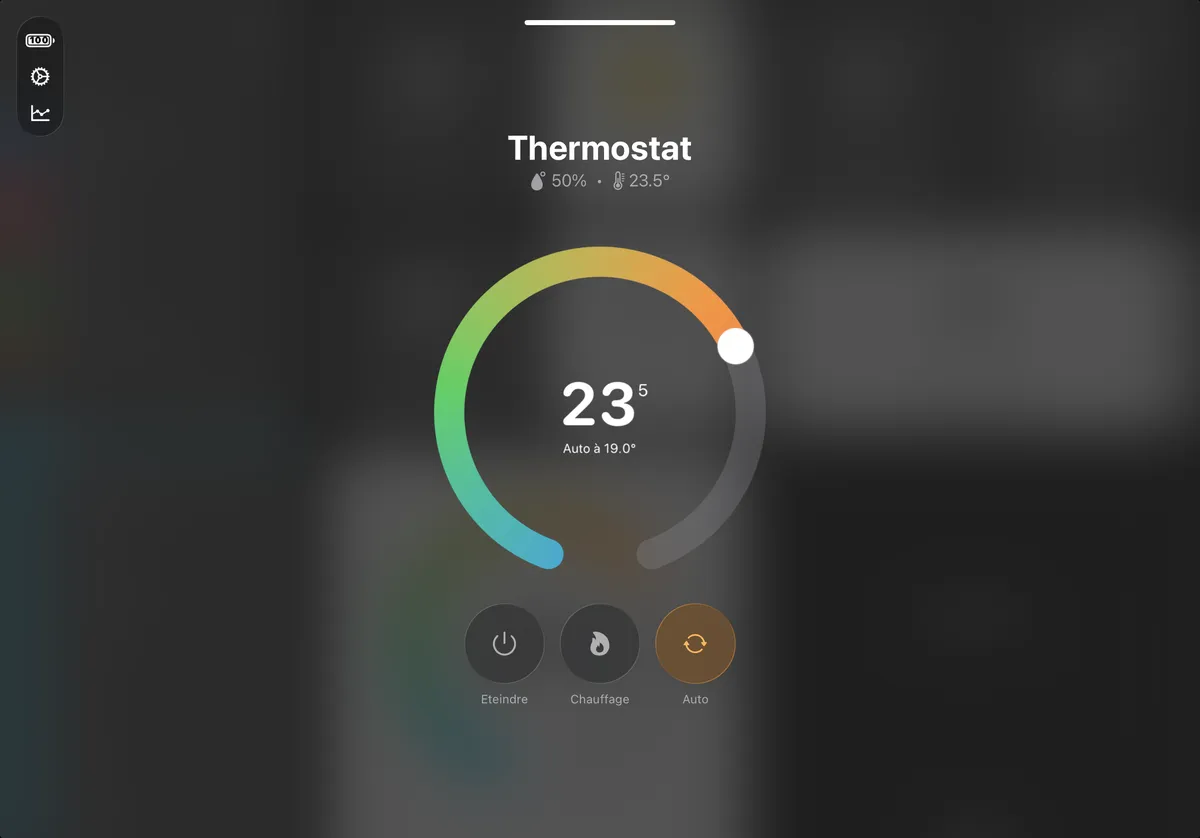
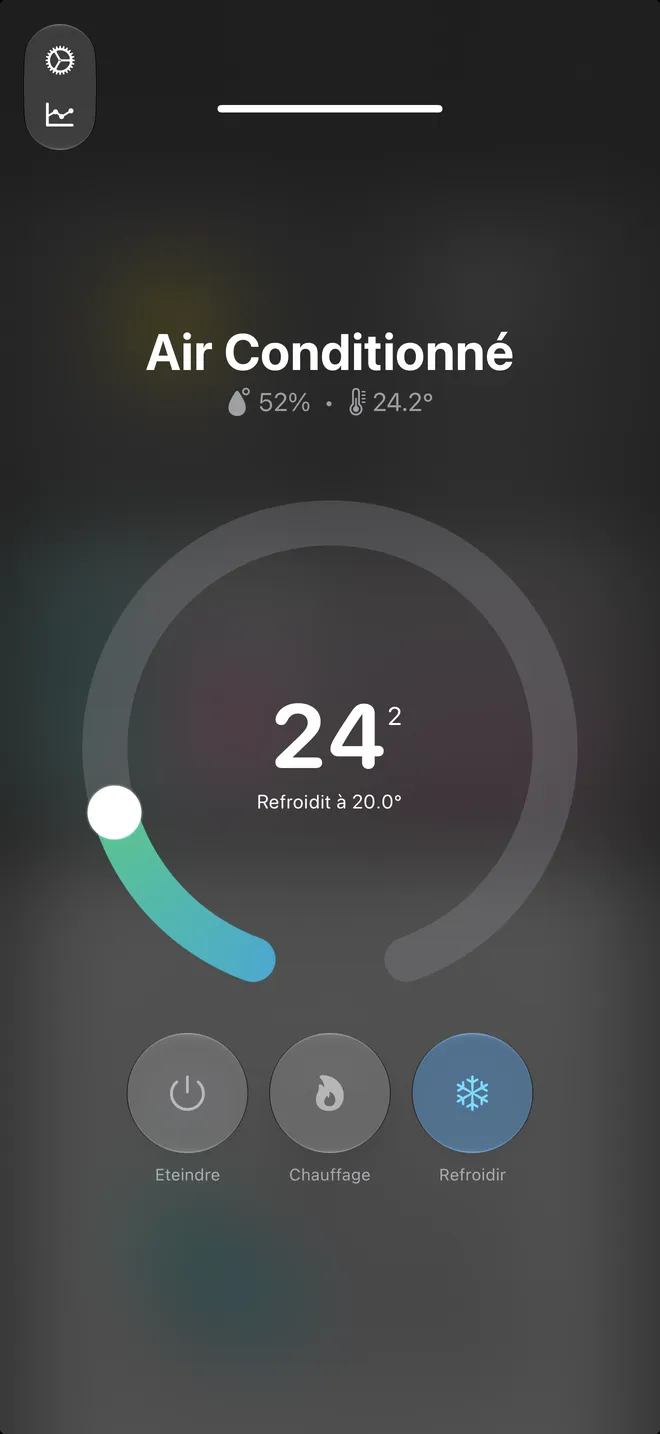
An accessory opens full screen: the thermostat dial, a light's brightness and colour, the modes it supports, and the history behind it.
Widgets
Drop whatever you want on the grid: an accessory, a scene, a Shortcut, the weather, what is playing. Tap one to open it, press it to resize it.
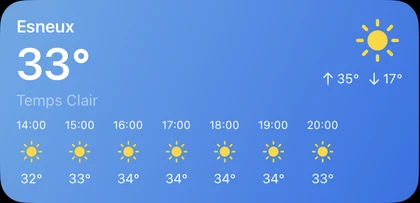
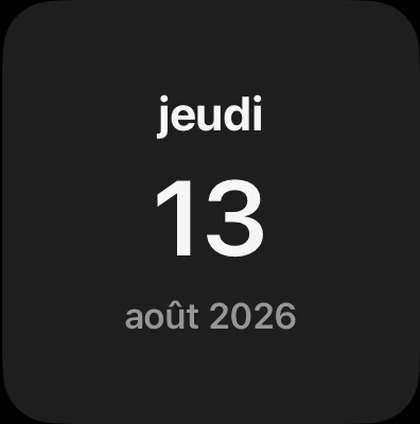
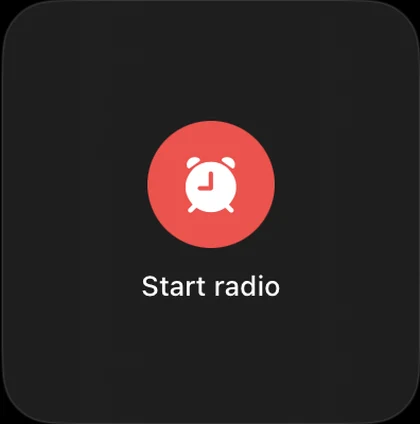
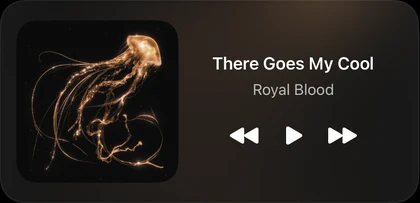
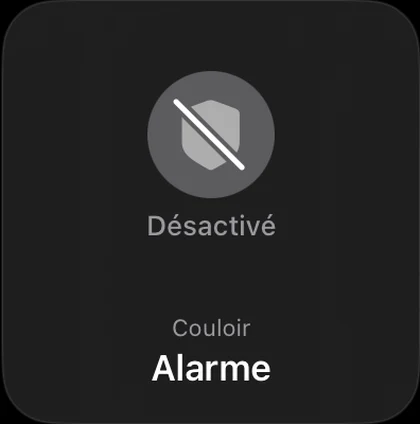
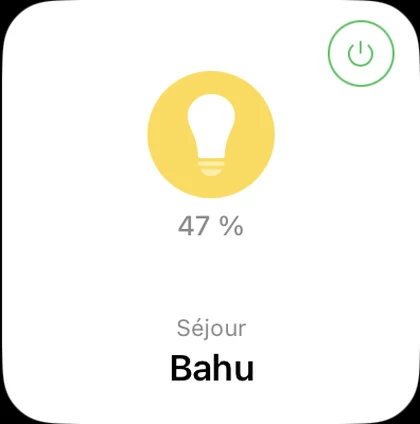
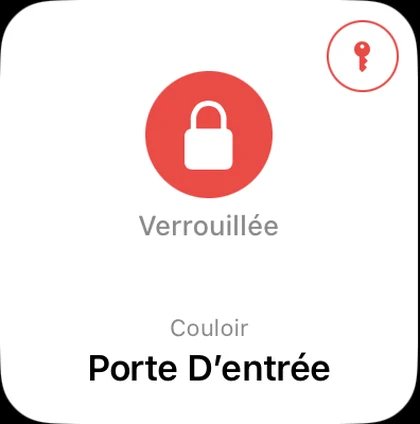
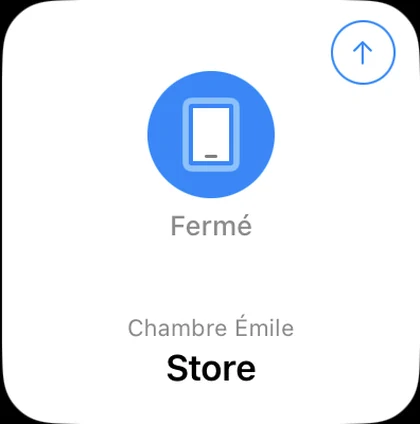
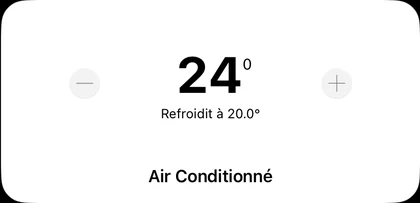
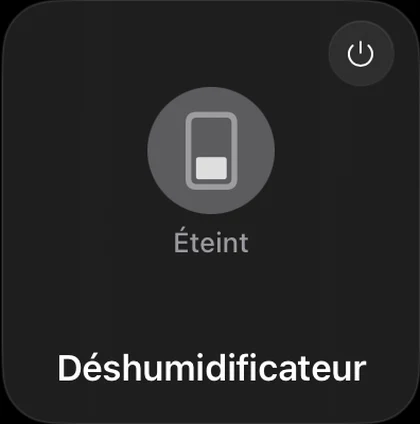
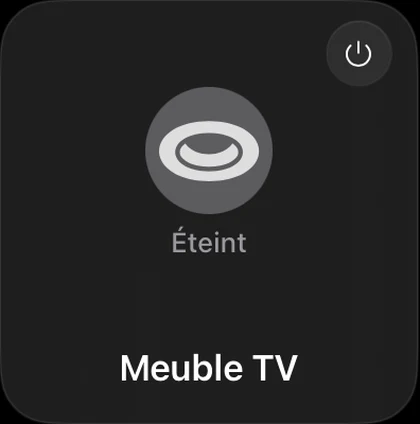
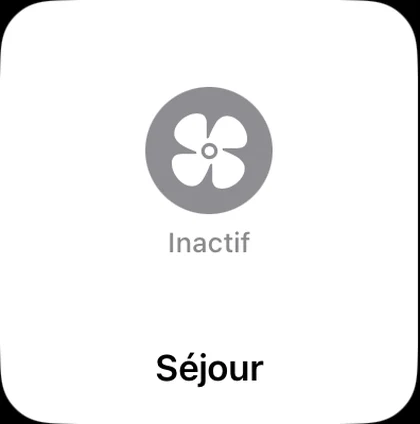
Cameras, thermostats, sensors, garage doors, scenes, calendar, commute, web pages…
iPhone
The wall panel is only half of it. On iPhone the sidebar folds away, the room you are standing in comes first, and every control is reachable with one thumb.
Music
Your whole library, the search, the queue and the artwork live inside the dashboard.
The iPad as an accessory
HomePad carries its own HomeKit accessory server. Your iPad pairs into Apple's Home app like any other device, and it shows up as two: a camera, and a security system you can arm from anywhere in the house.
And the other way round: HomePad shows the cameras you already own, HomeKit or Home Assistant, next to the history of locks, doors and motion.
HomePad is bought once on the App Store and then it is simply yours. It talks to your accessories on your own network, with nothing to renew.
Current price shown on the App Store.
Yes. HomePad talks to Apple HomeKit through the native Home framework, and to Home Assistant through its local API. You pick your source the first time you open the app, and you can switch to the other one at any point from Settings. Whichever you choose, the dashboard, the rooms and the tiles are the same.
No. There is no subscription and no HomePad account to create. Everything runs on your device and talks directly to your home.
That is exactly what HomePad is built for. Mount the iPad on the wall, keep it plugged in, and HomePad shows your dashboard, then falls back to a clock or a photo when nobody is around. iPadOS 17.6 or later is required.
Nowhere new. HomeKit accessories are controlled through Apple's local framework, and Home Assistant is reached directly on your network, or through the remote address you already own. There is no HomePad server in between.
HomePad includes a HomeKit accessory server. In Settings you start it, then add the iPad in Apple's Home app with the setup code it shows, exactly like adding a bought accessory. It then appears as a camera and as a security system with Home, Away and Night modes, so any HomeKit scene or automation can arm it.
Lights and dimmers, colour bulbs, plugs and switches, thermostats, air conditioners and heaters, blinds and garage doors, locks, fans, humidifiers, air quality and temperature sensors, motion and contact sensors, cameras, doorbells and alarm systems.
Yes. There is a full player for Apple Music and Spotify, plus internet radio, with a mini player that stays visible while you control the rest of the home.
Yes, HomePad is a universal app. The layout goes from a sidebar dashboard on iPad to a one-handed room view on iPhone, with the same accessories and the same widgets.
The community lives on Discord: bug reports, feature requests and dashboard screenshots welcome.